Accidental file deletion on a USB flash drive is one of the most time sensitive data loss scenarios. Unlike a PC delete, removable storage can bypass typical safety nets and make recovery windows short.
In this guide, we break down what actually happens after deletion, what actions reduce recoverability, and how to triage the situation fast.
You will also see when a “simple deletion” is not simple, and when the risk profile shifts toward lab grade recovery. If your flash drive is unstable, not showing up, or disconnecting, treat it as a priority case.
Do This Immediately: The First 10 Minutes After Deletion
Immediate actions
- Stop using the flash drive now. Do not copy new files onto it.
- Do not unplug and replug repeatedly. If the drive is unstable, every reconnect increases risk.
- Disconnect it safely once and set it aside. Treat it as read only until a recovery plan is chosen.
Fast triage checklist
- Drive shows up normally: likely a logical deletion scenario.
- Drive shows up but files are missing or drive asks to format: file system damage may be involved.
- Drive is not showing up, disconnects, or becomes very hot: stop DIY attempts and consider professional recovery.
If the USB is not showing up
Read more: What to Do When Your USB Is Not Showing Up.
Industry Certifications
Trusted by leading organizations and certified by industry authorities


What Not to Do: Actions That Destroy Recovery Chances
If you want the highest recovery odds, avoid these high-risk moves.
Do not do this
- Do not format the drive (even “quick format”).
- Do not run repair prompts like “scan and fix” if files matter.
- Do not keep saving new files to the same USB.
- Do not move large folders onto it “to test if it works.”
- Do not repeatedly plug it in and out if it disconnects or freezes.
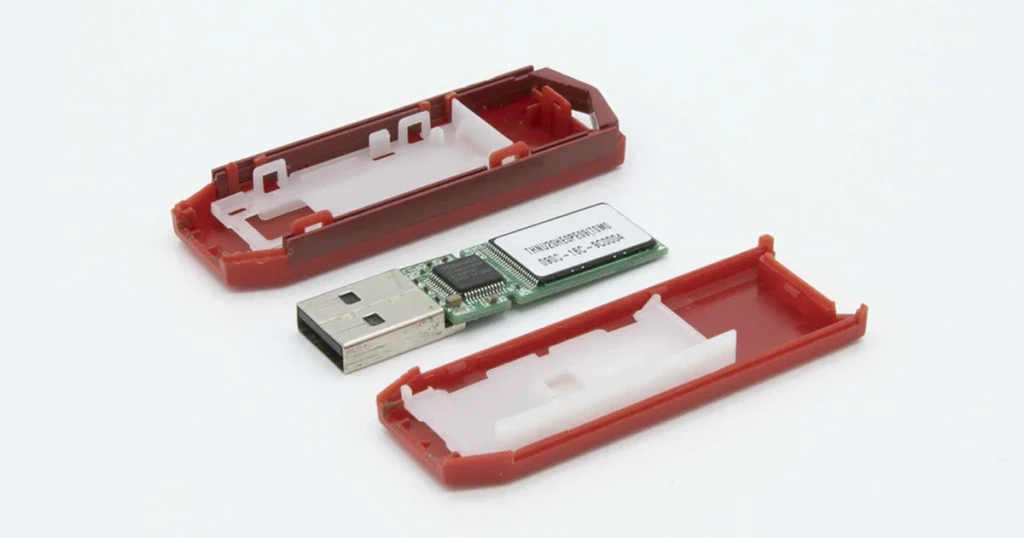
- Do not open and attempt physical repairs on a USB stick.

Quick Self-Check: Is This Only Deletion or a Deeper Failure?
Use this to classify the situation before you decide next steps.
A. Likely logical deletion (best-case profile)
- Drive is detected consistently
- Correct capacity is shown
- No unusual heat, disconnects, or “USB device not recognized” loops
- Files were deleted or emptied, but the drive otherwise behaves normally
Recovery path: preserve the drive state, avoid writes, plan controlled extraction.
B. Possible file system corruption
- Drive shows up but folders are missing or show strange names
- System prompts to format the drive
- Drive appears as RAW or “needs to be initialized”
Recovery path: treat as higher risk than simple deletion. Avoid repairs that modify metadata.
C. Possible hardware or controller problem (high-risk profile)
- Drive intermittently appears or disconnects mid-read
- Drive is unusually hot
- Very slow access, freezing, or repeated error prompts
- No drive letter assigned or it never mounts
Recovery path: stop DIY attempts. Flash controller failures can worsen quickly under repeated access.
How Professional Flash Drive Recovery Works
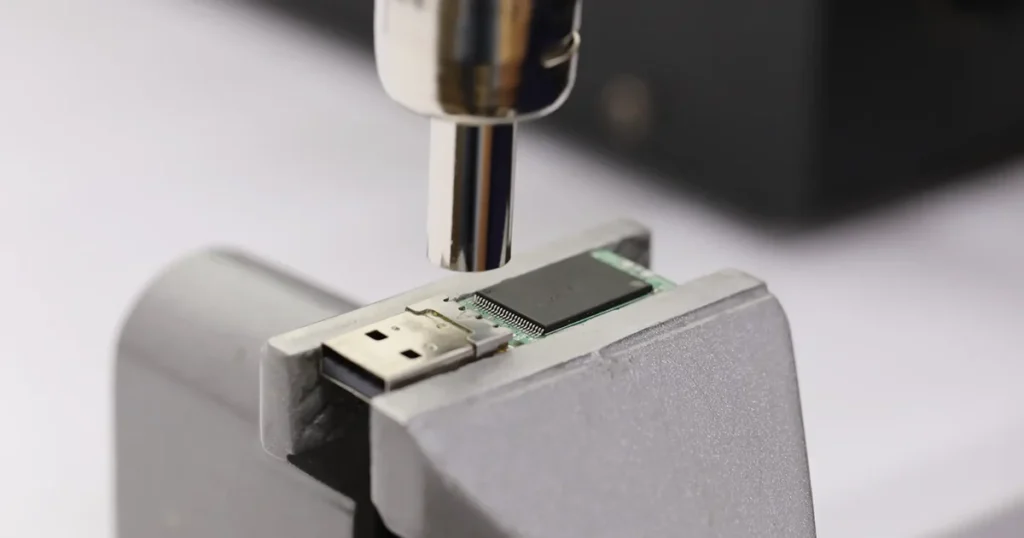
Professional recovery is built around one objective: extract data without changing the original media.
What the lab typically does
- Intake and evaluation: confirm device condition, file system, and failure profile.
- Read-stabilization: controlled access to reduce disconnects and read errors.
- Forensic-level extraction: pull data without writing to the flash drive.
- Reconstruction: rebuild folders and files based on file system metadata and signatures when needed.
- Validation and delivery: verify file integrity and return recovered data on a separate storage device.
When professional recovery is the right call
- The USB is not detected, disconnects, or freezes
- The drive prompts formatting
- You need business-critical files and want the lowest-risk path
Explore: Flash Drive Data Recovery Services.
Don't Let Data Loss Ruin Your Business
Minimize business disruption. We retrieve lost data fast, so you can focus on what matters.
When a Cleanroom Matters
Most accidental deletion cases are logical. However, some USB failures sit under the same “missing files” umbrella and require a different risk model.
Cleanroom relevance for USB recovery
- If the flash drive has physical damage, heat damage, liquid exposure, or broken connectors, attempting recovery in uncontrolled environments can introduce further failure points.
- For devices that require delicate component handling, a certified environment supports safer procedures and better chain-of-custody discipline.
Practical rule
- If your USB stick is physically damaged or unstable, treat it as a lab case. Minimizing handling improves recoverability.
See details: Certified Cleanroom.

Contact Us for Flash Drive Deleted File Recovery
Accidental deletion on a flash drive is recoverable in many cases, but the window is not unlimited. The outcome depends on what happened after the deletion and whether any new data overwrote the space where the files used to be.
If the data matters, stop using the drive and take a low-risk approach. Professional recovery focuses on preserving the original media and extracting data without further changes to the device.
For deleted file recovery on USB flash drives, contact our team to review the situation and move forward with the safest recovery path.
Emergency Data Recovery Services
Unexpected data loss? Whether it’s a crashed system, failed storage device, or accidental deletion, our 24/7 emergency recovery service ensures priority assistance to retrieve your critical data.