

A Digital Marketing Manager relied on a Seagate One Touch 2TB external hard drive for day to day work data. The drive began making unusual noises and then stopped mounting, making the files inaccessible.
The situation indicated a mechanical risk scenario requiring controlled handling rather than further DIY attempts.
This post breaks down a real Seagate One Touch 2TB failure where the drive started making abnormal noises and then stopped mounting.
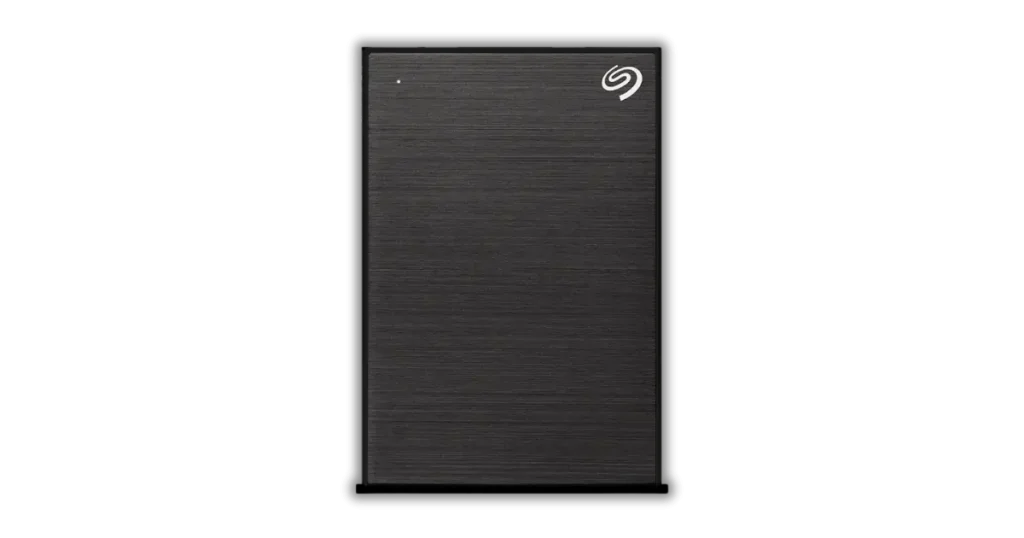
Problem, Strange Noises and Then Drive Would Not Mount
The Seagate One Touch initially showed a clear warning sign: abnormal noise during spin up and access.
Shortly after, it stopped mounting on the computer, which made the data unavailable through normal file browsing.
The client attempted to use the drive for daily operations, but every attempt to access it failed.
At that point, the priority shifted from troubleshooting to preventing further internal damage, since noise plus mounting failure typically indicates a mechanical issue.
Alert
If a drive is clicking, beeping, or making unusual sounds, power it down and stop retrying. Continued attempts can cause permanent platter damage and reduce recoverability.

Failure Signals, Clicking, Beeping, and What They Mean
What clicking usually indicates
- Repeated read retries
- Commonly tied to read write head instability
- Often escalates into mounting failure
What beeping can indicate
- Insufficient power delivery
- Stalled mechanism or internal resistance
- Enclosure or USB power issues, still high risk
Why these signals matter
- Noise plus not mounting is a high risk combination
- Repeated power cycles can worsen platter damage
- The correct next step is controlled diagnostics, not DIY scans
See related cases: external hard drive beeping.
Don't Let Data Loss Ruin Your Business
Minimize business disruption. We retrieve lost data fast, so you can focus on what matters.
Diagnosis, Read/Write Head Malfunction Confirmed
Our first priority was to identify whether the issue was logical, enclosure related, or mechanical.
Based on the noise pattern and the fact that the drive would not mount, we treated it as a mechanical risk case.
Through controlled diagnostics, we confirmed a malfunction of the drive’s read write heads.
At that point, further software level attempts were not a viable path because stable reads are required for any logical recovery workflow.
Risk and Handling, What Not to Do With a Noisy Drive
When a drive is clicking, beeping, or failing to mount, the biggest risk is damage escalation from repeated attempts. These actions commonly reduce recoverability:
- Running recovery software scans repeatedly
- Using repair utilities that force extensive reads and writes
- Power cycling the drive to “try again”
- Keeping it connected while it struggles to initialise
- Opening the drive outside a cleanroom environment
If the drive is also physically damaged, that adds another risk layer. See broken external hard drive.
Your Data Security Is Our Priority
We understand the sensitive nature of your data. Our secure facilities and processes ensure your information remains protected throughout the recovery process.
Recovery Process, Cleanroom Work and Sector by Sector Cloning
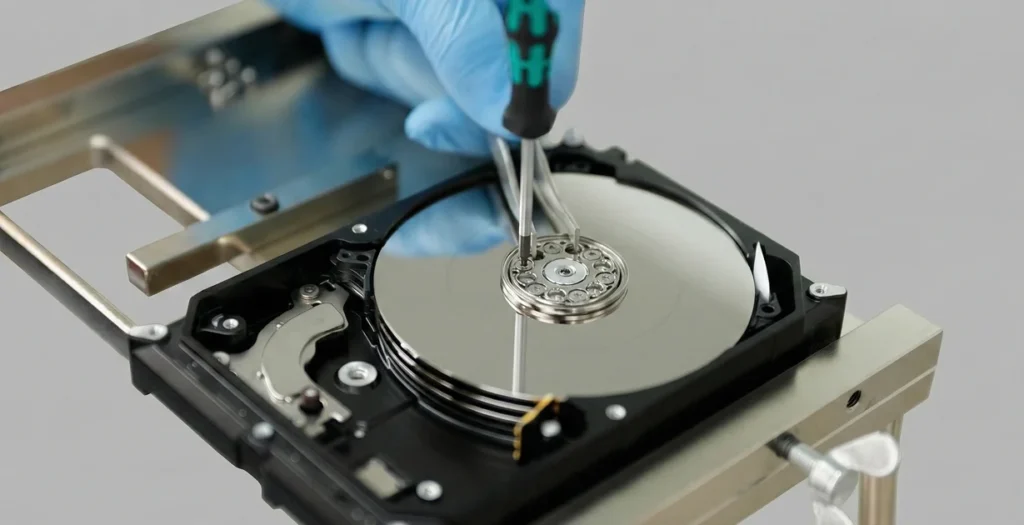
Cleanroom disassembly
We opened the Seagate One Touch drive in a cleanroom environment to prevent dust contamination. This is mandatory when internal components must be accessed.
Head work performed safely
Our specialists used precision tools to remove the damaged read write heads without compromising the platters where the data is stored.
Stabilise, then image
Once the mechanical failure was addressed, the priority shifted to capturing data safely. We created a sector by sector clone to work from a stable copy rather than the original drive.
Data extraction from the clone
All recovery and file extraction steps were performed from the cloned image to reduce risk and preserve remaining integrity.
If a drive is noisy, cloning must be performed only after stabilising the mechanical issue. Attempting imaging before that can cause irreversible platter damage.

Result, Data Extracted and Verified With the Client
After cloning and extraction, we validated the recovered dataset through a customer file verification session. This step confirmed that the files were accessible and matched what the client needed for their day to day operations.
Once verification was completed, the recovered data was prepared for delivery on a suitable return medium, with files organised for straightforward review and handover.
Emergency Data Recovery Services
Unexpected data loss? Whether it’s a crashed system, failed storage device, or accidental deletion, our 24/7 emergency recovery service ensures priority assistance to retrieve your critical data.
Contact Us, Seagate One Touch Data Recovery
If your Seagate One Touch is making unusual noises and will not mount, treat it as a mechanical failure until proven otherwise. Continued retries are the fastest way to turn a recoverable case into a permanent loss.
We handle noisy external hard drive failures using cleanroom procedures, controlled cloning, and verification workflows designed to protect data integrity.
Contact our team to discuss the safest next step for Seagate One Touch data recovery.
Industry Certifications
Trusted by leading organizations and certified by industry authorities


