

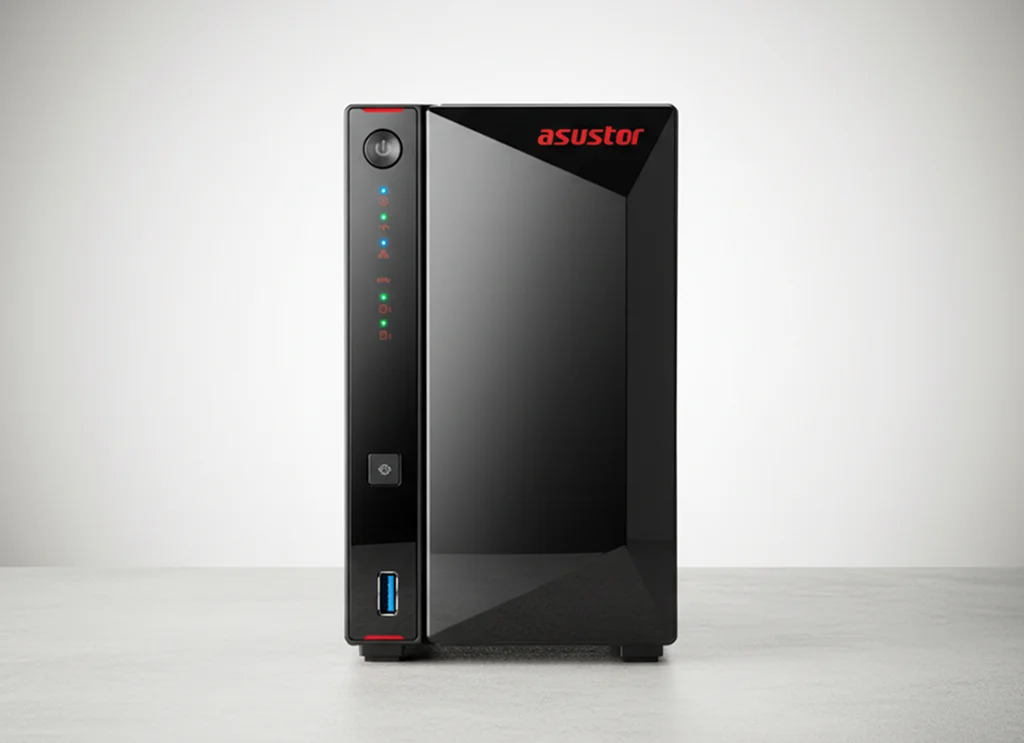
A digital media production team relied on an ASUSTOR AS5402T NAS to keep high volume project files accessible on tight deadlines.
Then the NAS began slowing down dramatically. Read and write speeds dropped under normal workloads, and file access became inconsistent, creating operational risk for active projects and time sensitive deliveries.
This case study explains what typically causes that pattern, what we look for during diagnostics, and how a controlled recovery workflow helps protect data while restoring access.
What Went Wrong (Slow Performance, Overheating, Data Loss Risk)
The client reported that the NAS became unusually slow during normal work. Read and write operations lagged, and large folders took too long to open or copy.
As the slowdown continued, the risk profile changed. Performance issues in a NAS environment often signal that the system is struggling to reliably read and write data. If heavy workloads continue, the chance of file system inconsistencies increases, and those inconsistencies can snowball into missing files, unreadable directories, or incomplete transfers.
In practical terms, the client faced two immediate threats. First, production delays due to slow access. Second, potential data loss exposure if the NAS kept operating under thermal stress and unstable storage conditions.
Industry-Leading 99% Success Rate
No hidden fees. No surprises. Just expert data recovery you can trust. We handle everything from simple file loss to extreme data recovery cases. If we can’t recover your data, no one can.
Root Cause Findings
The slow performance was not random. It aligned with a thermal stress pattern where sustained workload and inadequate cooling can degrade stability and drag down read and write throughput.
Our diagnostics also pointed to file system integrity concerns. Specifically, inconsistencies within data blocks can force repeated retries during access, which increases latency and raises the risk of escalating corruption if the system continues operating under load.
Key contributing factors identified
- Overheating driven performance throttling and instability
- File system inconsistencies affecting access speed and reliability
- Corruption within data blocks contributing to slow data access and loss risk
This combination matters because it creates a loop. Heat and instability increase read and write errors. Errors trigger retries and delays. Continued operation under those conditions increases the probability of broader file system damage.

Don't Let Data Loss Ruin Your Business
Minimize business disruption. We retrieve lost data fast, so you can focus on what matters.
Recovery Process (Clone, Rebuild, Extract, Validate)
Stabilise the environment
We avoided any actions that would write new data to the source media. The priority was preventing additional corruption.
Sector by sector cloning of the NAS SSDs
Each SSD was cloned at the block level. This creates a working copy for recovery and protects the original media from further degradation.
Scan and reconstruct on the clones
We scanned the cloned drives to rebuild file system structures and map recoverable areas. This stage targets broken metadata, inconsistent blocks, and incomplete directory records.
Correct inconsistencies with tailored methods
Where standard reconstruction hit limitations, we used specialised techniques to handle data block inconsistencies and extract intact files without forcing risky repairs on the source.
Prioritised extraction for business critical assets
We focused first on the client’s essential production data, including high definition video content, original audio, and large project directories.
Client verification
Recovered data was presented for confirmation via a remote verification session before final handoff.
Risk Note:
If a NAS is overheating or unstable, do not run rebuilds, resets, or repeated copy attempts. Those actions can amplify corruption and reduce recoverability.
Read more on SSD recovery considerations here: can you recover data from an SSD.
Recovered Data and Delivery Outcome
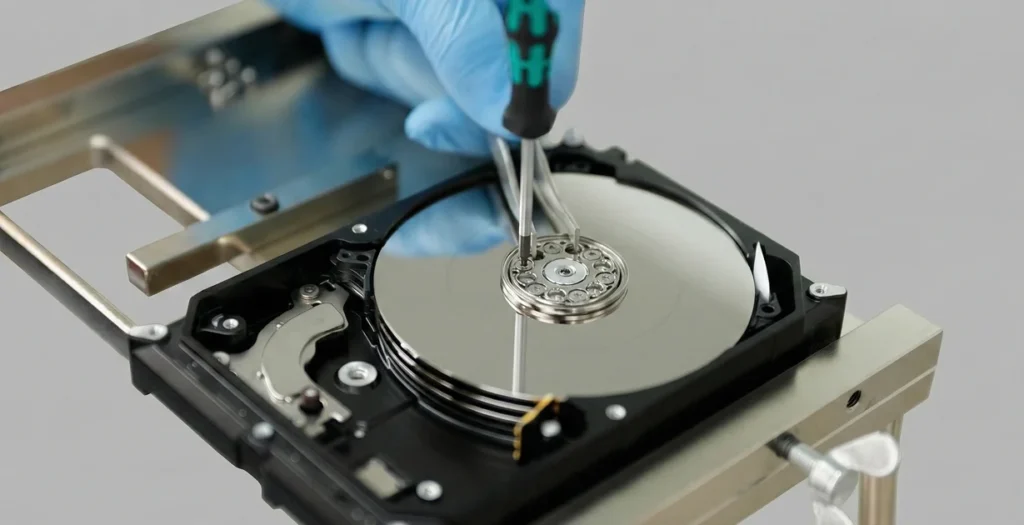
Recovery was prioritised around the client’s most time sensitive production data, with the goal of restoring access to what was actively needed for ongoing work.
Data integrity was confirmed through a remote verification session. The client reviewed the recovered structure and spot checked critical files to confirm they were opening and usable.
After confirmation, the data was securely transferred to a new high performance SSD for delivery, reducing exposure to repeat instability and improving day to day reliability.
Emergency Data Recovery Services
Unexpected data loss? Whether it’s a crashed system, failed storage device, or accidental deletion, our 24/7 emergency recovery service ensures priority assistance to retrieve your critical data.
Risk Alert (What Not To Do When a NAS Overheats)
When an ASUSTOR NAS starts overheating or slowing down under normal load, the biggest risk is making the situation worse through well intentioned troubleshooting.
Avoid these actions
- Do not keep using it “until it finishes copying.” Continued writes can escalate corruption.
- Do not run rebuilds, resets, firmware changes, or file system repair routines while data is at risk.
- Do not pull drives and reconnect them randomly without documenting the bay order and configuration.
- Do not attempt repeated large transfers to “test it.” That increases heat and stress.
- Do not initialise, format, or recreate volumes even if the interface suggests it.
Best next moves
- Stop non essential activity and power it down if overheating is active.
- Document the symptoms, any warnings, and configuration details.
- Move to a controlled recovery approach that starts with cloning and analysis, not repair.
If your case involves media handling or internal component level work, see how our certified cleanroom supports safe handling: learn more.
Contact Us for ASUSTOR NAS Data Recovery
If your ASUSTOR AS5402T NAS is overheating, running slow, or failing to access data consistently, treat it as an active data loss risk.
We run a controlled recovery workflow: diagnostics, sector level cloning, reconstruction, and verification. No guesswork, no risky repairs on your original media.
To speed up triage, share the NAS model, drive type, symptoms or errors, and what changed before the slowdown started. Then request a NAS recovery assessment.

