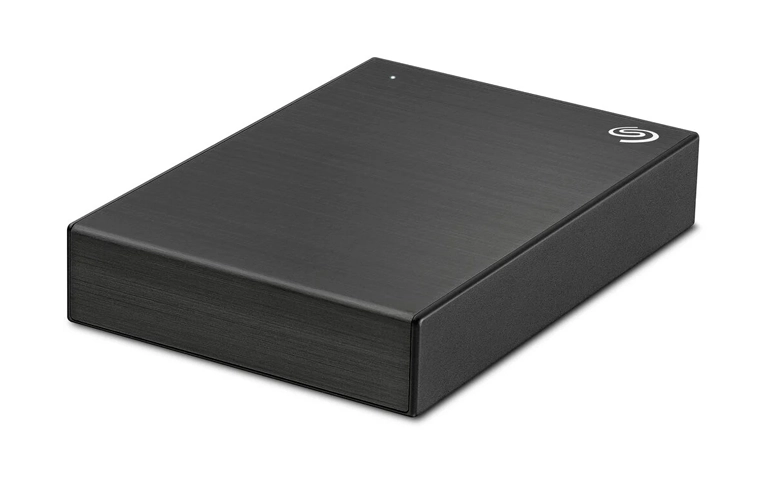
A customer reported a persistent beeping sound from a Seagate 2TB external hard drive, followed by noticeable overheating. Within a short window, the drive stopped being recognised by the computer, turning a routine storage device into an immediate business risk.
When the device arrived at our lab, it was still beeping and would not mount. Based on the symptoms, this was treated as a potential mechanical failure where continued power attempts could escalate damage.
Our engineering team moved into controlled diagnostics to identify the fault mechanism and determine the safest recovery path without compromising the data.
What the Customer Observed (Problem)
The drive began beeping, ran unusually hot, then stopped being recognised by the computer. This profile points to a high-risk mechanical startup failure, not a basic software issue.
Key symptoms
- Persistent beeping on power-up
- Excessive heat
- Not recognised, no mount
What was at risk
- Rapid physical deterioration from repeated power cycles
- Secondary file corruption from unstable reads
Best next move
Power it down and stop testing. Avoid opening the enclosure or running repair utilities. For a closely related scenario, read more on Seagate external hard drive not showing up.
Industry-Leading 99% Success Rate
No hidden fees. No surprises. Just expert data recovery you can trust. We handle everything from simple file loss to extreme data recovery cases. If we can’t recover your data, no one can.
Device Profile: Seagate 2TB External Drive Context
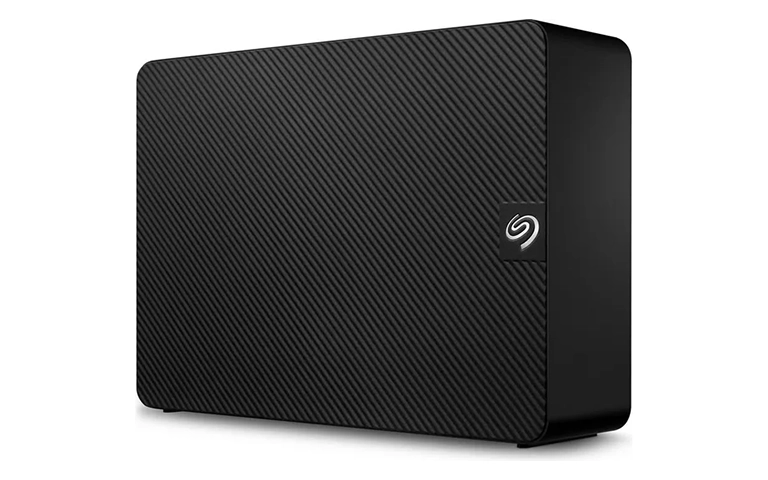
This case involved a Seagate 2TB external hard drive used for day-to-day storage and transfers. Drives in this category are routinely exposed to heat buildup, frequent plug and unplug cycles, and variable power quality through USB or external power adapters, depending on the model.
Unlike internal drives mounted in a controlled chassis, external enclosures add extra variables: tighter airflow, additional bridge components, and a higher chance of accidental movement while running.
When abnormal noise appears alongside heat and recognition failures, the priority shifts from troubleshooting to containment, because mechanical instability can deteriorate quickly.
Root Cause Summary: Overheating and Spindle Motor Failure
Our diagnostics confirmed a spindle motor issue. In practical terms, the drive could not spin up reliably, which prevented normal initialization and led to recognition failure. The overheating reported early in the incident was a material signal that internal friction and load were escalating.
Why the beeping matters
- The drive is struggling to start or maintain rotation.
- Each additional power attempt can worsen internal wear and reduce recovery stability.
Why heat changes the risk profile
- Higher temperatures accelerate mechanical stress.
- The margin for safe access narrows quickly once the drive runs hot.
Beeping plus overheating is a mechanical red flag. If the drive is still spinning up inconsistently, the safest strategy is controlled recovery, not continued testing. For a related Seagate external failure scenario, explore Seagate external drive not working.
Don't Let Data Loss Ruin Your Business
Minimize business disruption. We retrieve lost data fast, so you can focus on what matters.
Diagnostics Performed Before Cleanroom Work
Before any invasive work, our engineers ran controlled checks to rule out external causes and confirm the failure domain.
Diagnostic checklist
- Verified power delivery and adapter behavior
- Swapped and tested connection cables and ports
- Observed startup behavior under a recovery-grade interface
- Confirmed the drive would not initialise or present stable identification
- Assessed internal mechanical response consistent with motor failure
Because the drive could not spin up reliably and was not recognised, standard access methods were not viable. Cleanroom work was required to replace the failed motor component before safe cloning could begin.

Diagnostics Performed Before Cleanroom Work
Cleanroom Preparation and Controlled Disassembly
We stabilised the drive, confirmed the failure profile, then opened it in a certified cleanroom to prevent contamination.
Spindle Motor Repair Using Compatible Parts
The damaged spindle motor components were replaced to restore stable rotation and allow safe access conditions.
Reassembly and Stability Validation
We reassembled the drive and verified it could initialise consistently in a recovery-grade environment.
Data Verification and Structured Delivery
We verified the clone, checked file readability, and organised the recovered data into a usable format for return.
DIY risk note
Beeping is typically mechanical. Repeated power cycles and DIY scans increase heat and strain, which can convert a recoverable case into physical media damage.
For a related Seagate recovery case, see Seagate Barracuda 2TB recovery.

Result and Data Verification Delivered to Customer
After the cleanroom repair and controlled cloning, the data was recovered from the 2TB Seagate external hard drive. Recovery work was performed against the cloned image to protect the original media from additional stress.
The recovered data was verified for integrity and organised into a readable structure for delivery. This ensured the customer received accessible files, not raw output, and could resume normal operations with minimal disruption.
Emergency Data Recovery Services
Unexpected data loss? Whether it’s a crashed system, failed storage device, or accidental deletion, our 24/7 emergency recovery service ensures priority assistance to retrieve your critical data.
Contact Us for Seagate Beeping Drive Recovery
If a Seagate external hard drive starts beeping, especially with overheating or recognition failure, stop testing and power it down. This is typically a mechanical risk scenario where continued attempts can escalate damage and narrow recovery options.
Contact our team to start a secure intake and engineering assessment, then we will outline the recovery approach and next steps.