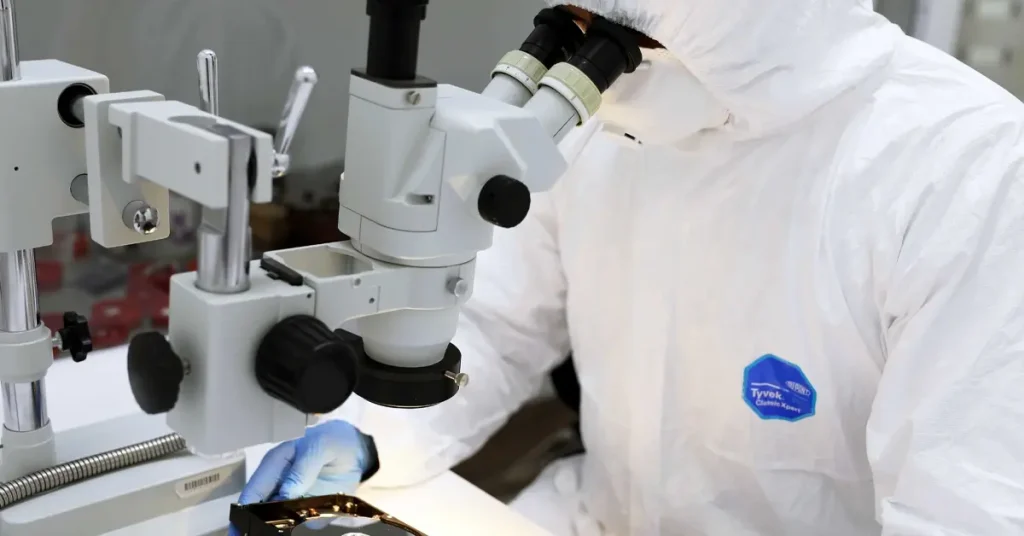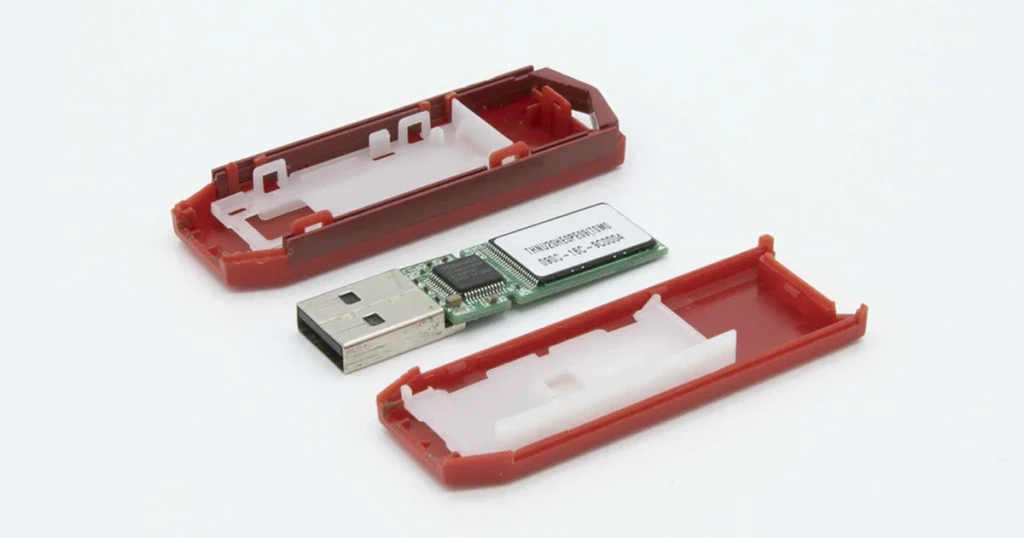
A clicking hard drive is not a normal noise. It is typically a mechanical failure symptom, meaning the drive is struggling to position or read correctly.
In practical terms, clicking usually indicates the drive is retrying the same operation repeatedly. That loop can escalate quickly into corrupted files, unreadable sectors, and in worst cases permanent media damage.
The key takeaway is urgency. With clicking, the safest strategy is not troubleshooting by repetition. It is controlling exposure and making decisions that preserve recovery options.
This post breaks down what clicking means, what to do immediately, what to avoid, and when the situation requires professional hard drive recovery.
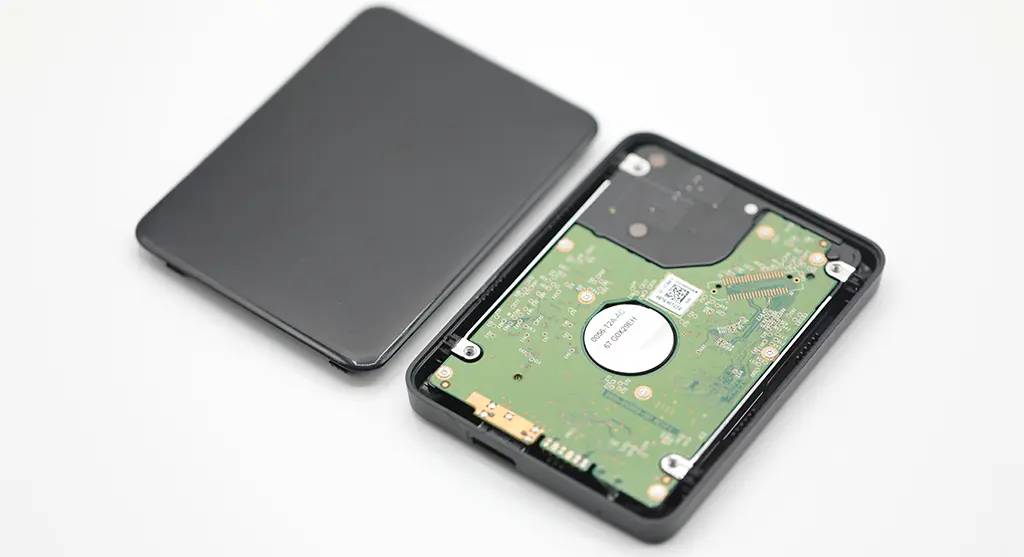
Immediate Alert: Power Down and Stop Testing
- Power the drive down immediately.
- Disconnect power and data cables.
- Do not reboot repeatedly to “try again.”
- Do not run scans, repairs, or backup jobs on a clicking drive.
- If it is in an external enclosure, do not keep reconnecting it through different USB ports.
If the data is business critical, the priority is stabilizing the situation and moving to a controlled recovery workflow.
Alert
If your hard drive is clicking, every extra minute of power on time can increase damage. Treat this as a preservation event, not a troubleshooting session.
What Clicking Usually Means
Clicking is typically the drive’s internal mechanism failing to complete its normal startup and read process. Common causes include:
- Read write head issues: The heads may be damaged, misaligned, or unable to calibrate, so the drive keeps retrying.
- Media damage or weak areas on platters: The drive cannot reliably read key system areas and repeats the same seek cycle.
- Spindle or motor problems: If the platters cannot spin consistently, the drive cannot stabilize and will often click during retries.
- Actuator calibration failures: The actuator arm hunts for track position repeatedly, creating rhythmic clicking.
Important operational note
Clicking is usually mechanical. That is why typical file system fixes do not help and can worsen outcomes.

Fast Checks in 5 Minutes
| Sound pattern | What it often indicates | Risk level | Best next move |
|---|---|---|---|
| Rhythmic clicking (repeat, repeat) | Mechanical read or calibration failure | High | Power down and stop testing |
| Single click then spin | Intermittent calibration or weak sectors | High | Minimize power cycles, plan recovery |
| Beeping (often with no spin) | Power issue, stuck motor, or insufficient power | High | Stop forcing power on, assess safely |
| Grinding or scraping | Possible head contact with platters | Critical | Power down immediately |
| Soft whine with slow access | Degrading performance or pending failure | Medium to High | Back up if stable, otherwise stop and evaluate |
If the drive is beeping instead of clicking, see related guidance in External hard drive beeping.
Don't Let Data Loss Ruin Your Business
Minimize business disruption. We retrieve lost data fast, so you can focus on what matters.
Quick Triage (Internal vs External, Desktop vs Laptop)
- External hard drive clicking: Do not assume the enclosure is the issue. Clicking usually comes from the drive mechanism inside. If the enclosure provides weak power, it can make symptoms worse, but it rarely creates true clicking on its own.
- Internal hard drive in a desktop: Power down the PC and do not keep restarting. Reboots force the drive through repeated calibration cycles, which can accelerate damage.
- Internal hard drive in a laptop: Shut it down and do not keep trying to boot. If the clicking drive is the boot drive, every restart increases stress and may block access to other partitions.
- Dropped or physically impacted drive: Treat clicking after an impact as high risk. Do not keep testing it. Physical shock can cause head misalignment or media contact.
If the drive was physically damaged, see the related post on Broken external hard drive.

What Not to Do (High-Risk “Fixes” to Avoid)
- Do not keep powering it on “just to check.” Each attempt can worsen internal damage.
- Do not run CHKDSK, Disk Utility First Aid, or repair scans on a clicking drive. These can increase reads and writes under unstable conditions.
- Do not open the drive. Hard drives are not serviceable in normal environments. Dust contamination can cause irreversible damage.
- Do not try freezer tricks, tapping, shaking, or forcing the drive to spin. Those are uncontrolled actions with predictable downside.
- Do not clone the drive with consumer tools if it cannot stay stable. Unstable mechanical drives can fail mid-process and degrade further.
- Do not swap PCBs or move parts between drives without an engineered plan. Modern drives require matching adaptive data.
Emergency Data Recovery Services
Unexpected data loss? Whether it’s a crashed system, failed storage device, or accidental deletion, our 24/7 emergency recovery service ensures priority assistance to retrieve your critical data.
When It Also Is Not Detected (What That Changes)
If a hard drive is clicking and also not detected, the situation typically escalates from “degraded” to “critical.” The system cannot enumerate the drive reliably, which often indicates severe mechanical failure or firmware area read failure.
What this changes operationally
- DIY checks add little value. Each power cycle is a high-risk event.
- Software based approaches are usually ineffective because the system cannot maintain stable access.
- The priority becomes controlled handling and professional evaluation.
If your clicking drive is also not being recognized by the computer, see related guidance in Hard drive not detected.

Conclusion and Next Step
A clicking hard drive is a mechanical warning, not a minor inconvenience. The most important decision is how quickly you stop stress on the drive. Repeated restarts, scans, and “just one more try” attempts are the main reasons recoverable cases become corrupted files or permanent loss.
If the data matters, treat this as a preservation event. Power it down, keep it disconnected, and move to a controlled recovery workflow. The goal is to stabilize the situation and protect the maximum recoverable data, not to experiment.
Industry Certifications
Trusted by leading organizations and certified by industry authorities